Store Locator for Shopify
Creating a store locator using Shopify and MetaLocator is quick and easy.
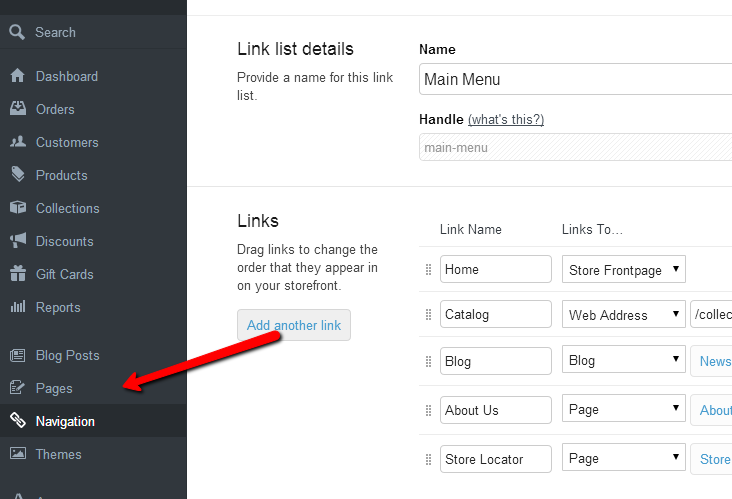
First, create a new Page within Shopify to host your store locator.
Once created, you can copy and paste the MetaLocator-provided Interface code directly into the Content area. Before you paste the code, switch the Content area to Code view by clicking the <> in the upper right of the window. The result should look like this:
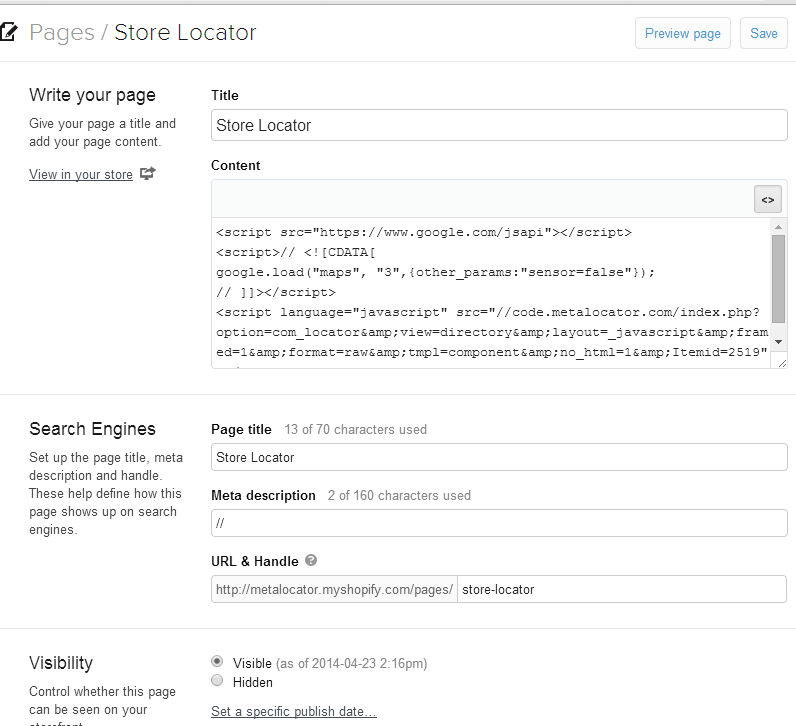
Save your page, and that's it! You can also add that page to your navigation, but we'll leave that up to Shopify to show you that.
Updated on: 12/11/2026
Thank you!